

“How much would it cost to start a makeup company?”

Figure Out What to Ask
Students start by identifying the information they actually need.

Bring an engaging AI Teaching Assistant into your classroom to help your students learn, or turn to an expert AI Teaching Coach for support whenever you need it.
Teaching Assistants work alongside you to help your students learn.
Teaching Coaches give you expert support whenever you need it.
Teaching Coach

I'm planning a 7th grade lesson on ecosystems. Can you suggest an engaging hands-on activity?

Here's a hands-on activity your students will love...
Materials:
How can plants grow in space?
Plants don’t need gravity to grow! In space, stems simply grow toward artificial LED lights, while roots follow moisture trapped inside special clay pillows.
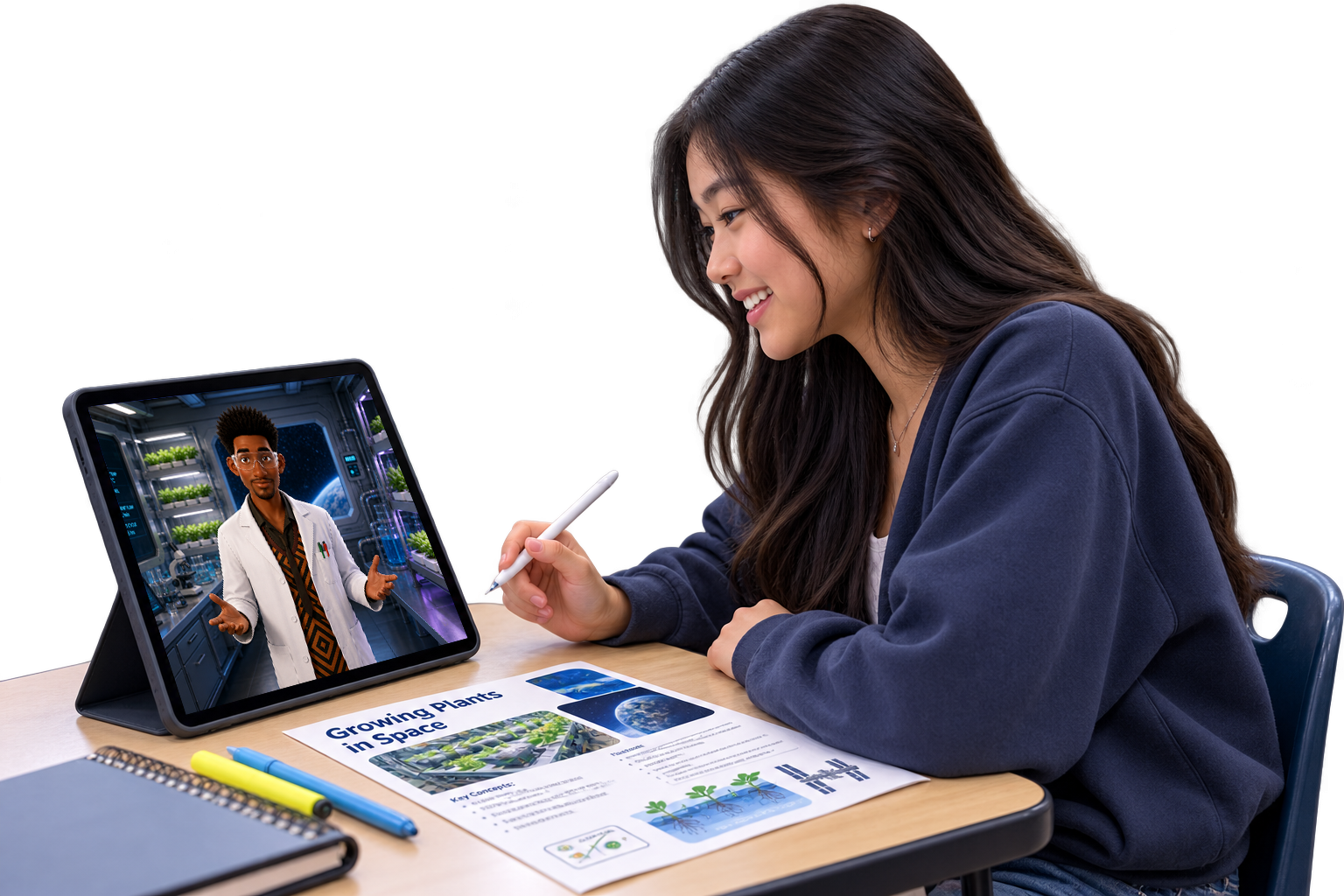

A 4th grader learns differently from a 10th grader. That’s why we build Teaching Assistants around your students’ ages, what they’re learning, your curriculum, your standards, and the needs of your school or district.

Why does borrowing money cost more than paying cash?
Good question. What do you think the lender gets in return for letting someone use their money?

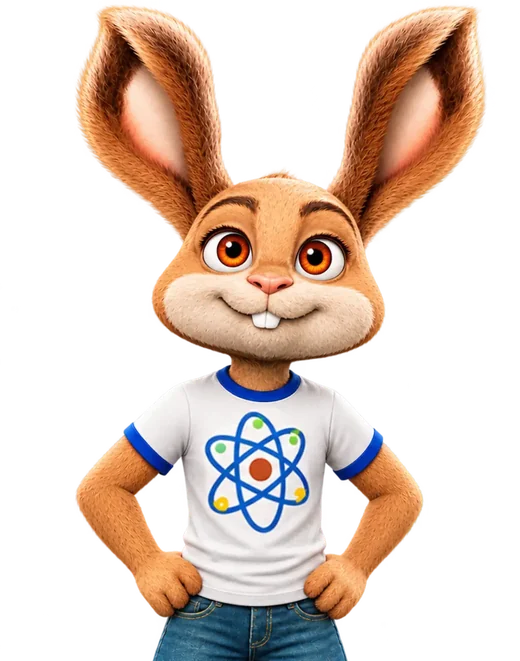
Classroom Teaching Assistants
They can explain concepts, ask questions, lead activities, check for understanding, and guide students toward answers instead of simply giving them away. You decide how they teach and how they fit into your lesson.
Building Skills Through Conversation
Better questions leadto better conversations.
As students formulate questions, explain their thinking, respond to prompts, make decisions, and work through problems, they can practice skills that reach beyond the lesson itself.
“How much would it cost to start a makeup company?”
Students start by identifying the information they actually need.
“I’d probably start with lip gloss and a few other lip products.”

Follow-up questions help them make the idea more specific and useful.
“So I’d need ingredients, containers, marketing, and maybe staff.”
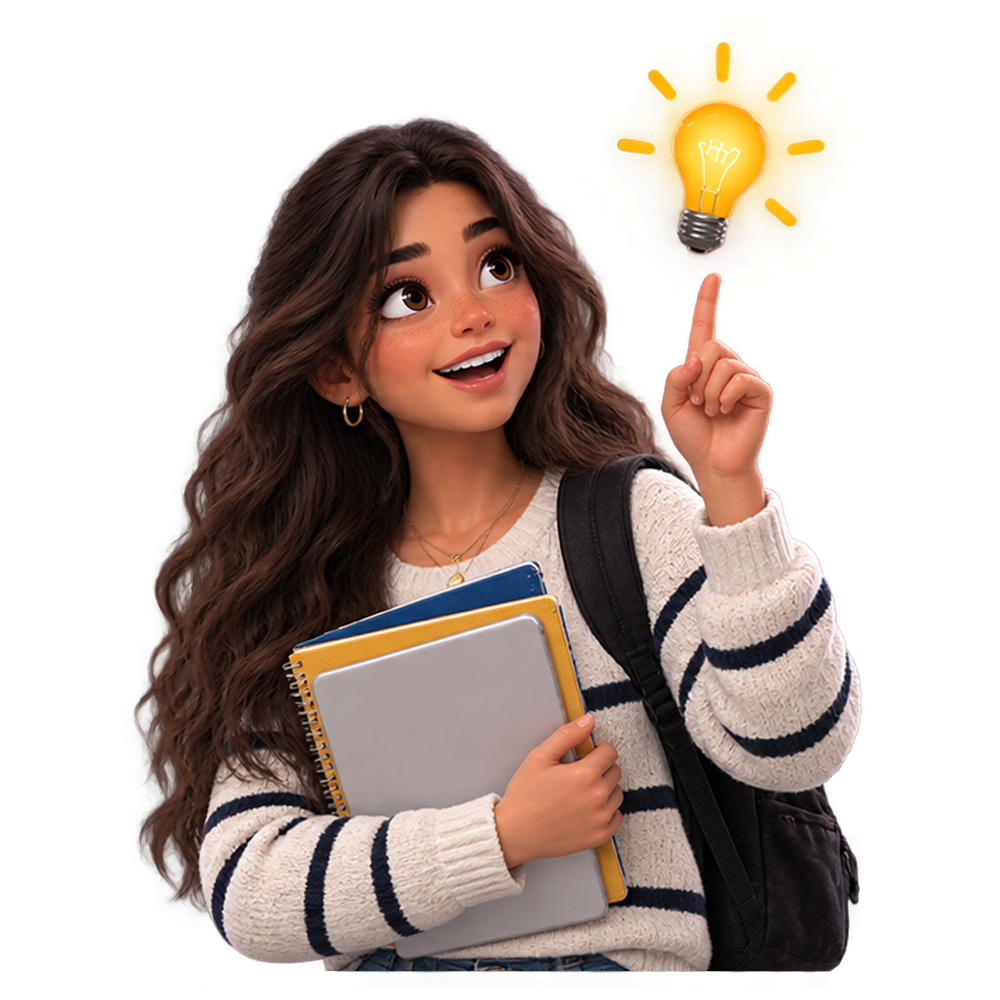
Students organize what they learned and use it to decide what comes next.
Designed for Learning
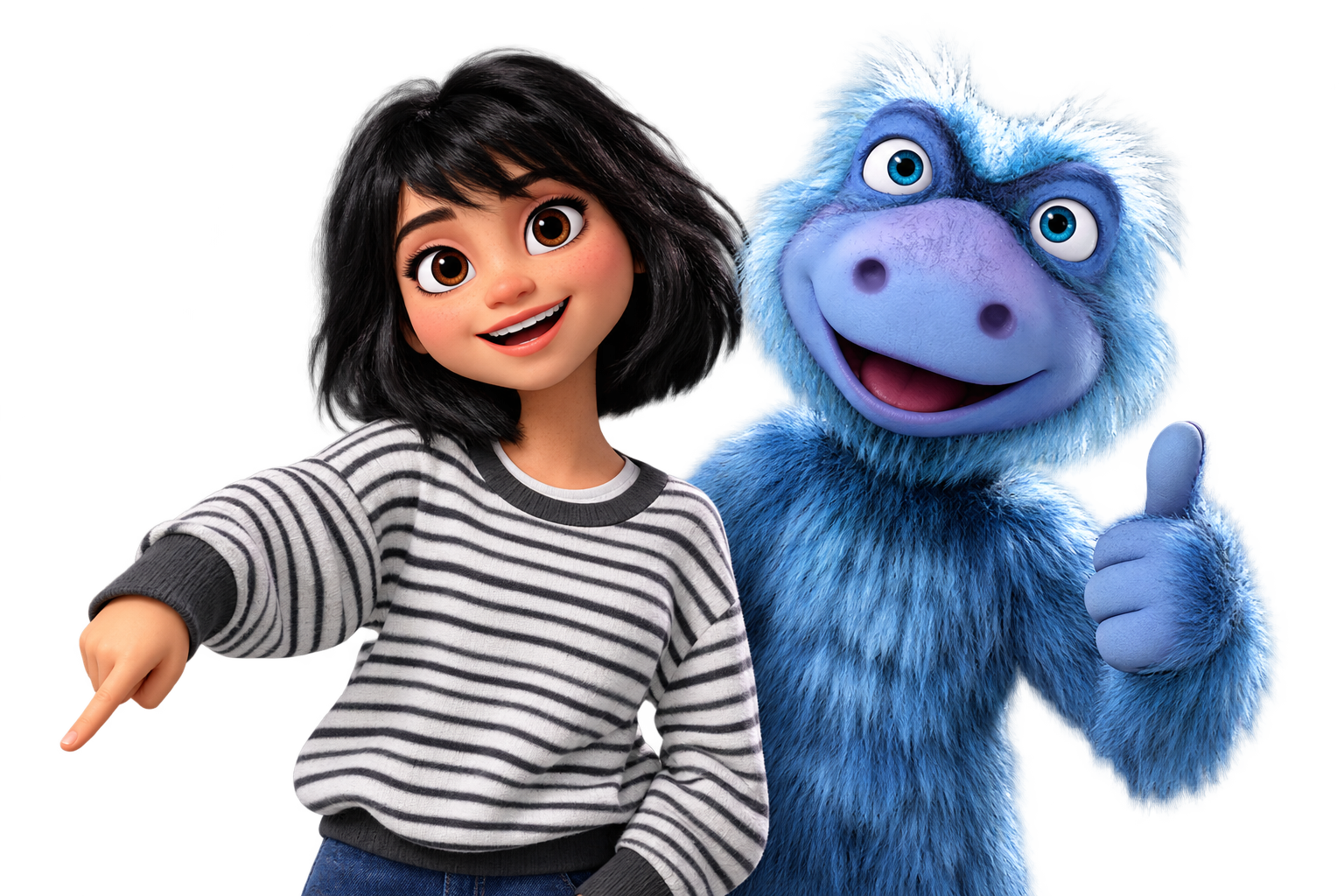
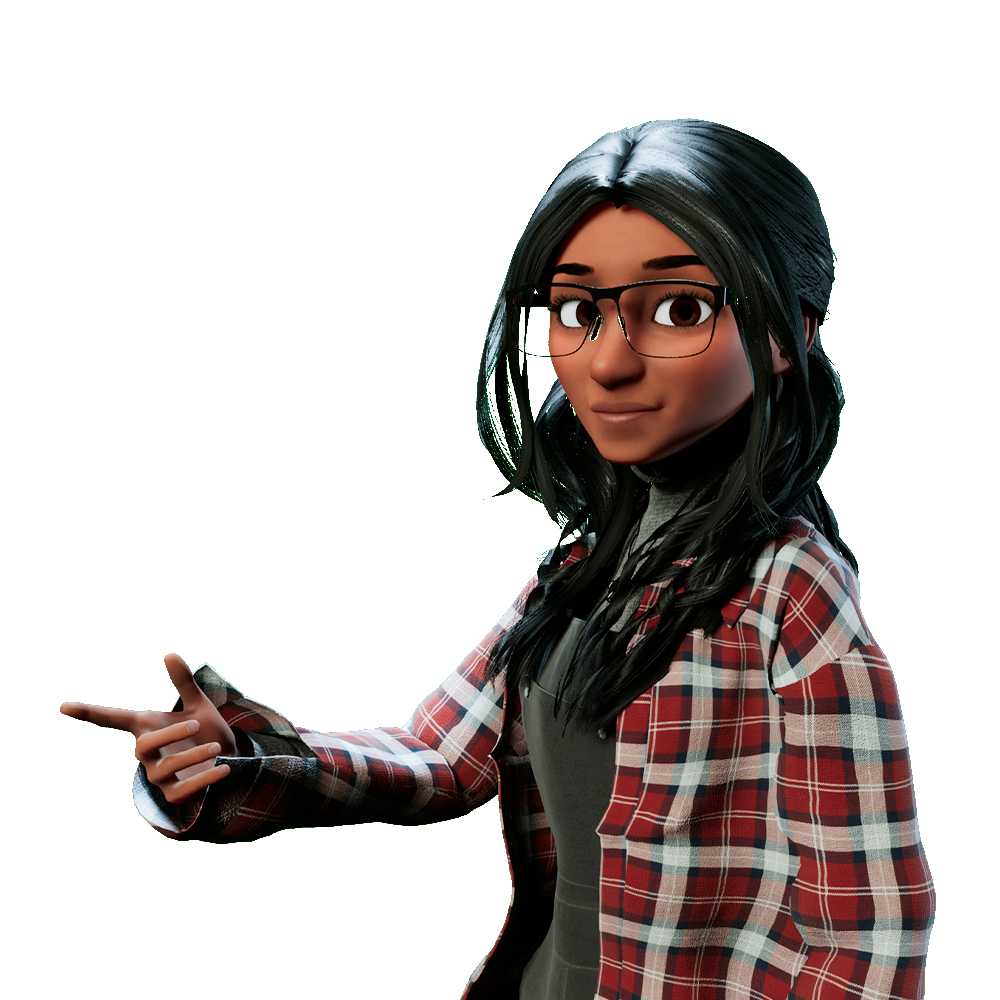
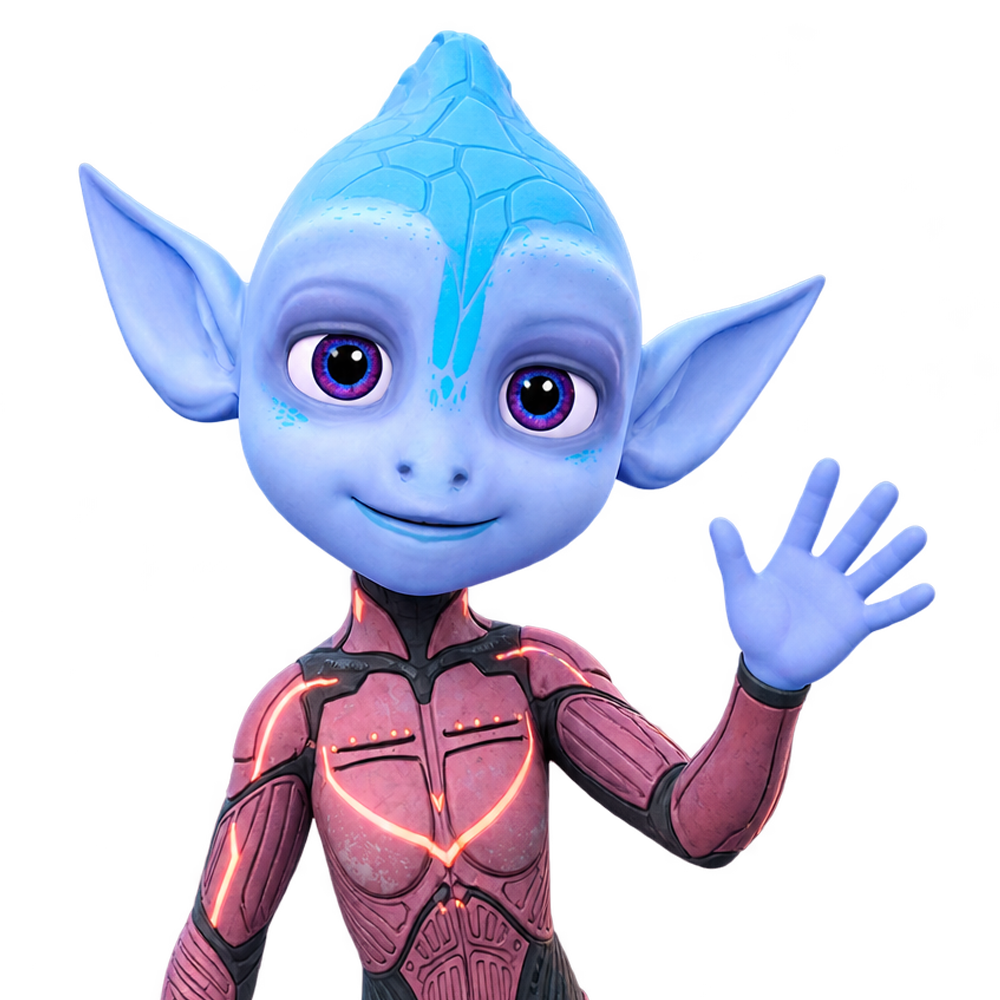
We design characters specifically for learning, with personalities, voices, teaching styles, and age-appropriate interactions developed to engage students. Characters can work individually or in pairs and groups, bringing different personalities, knowledge, and roles into the classroom.
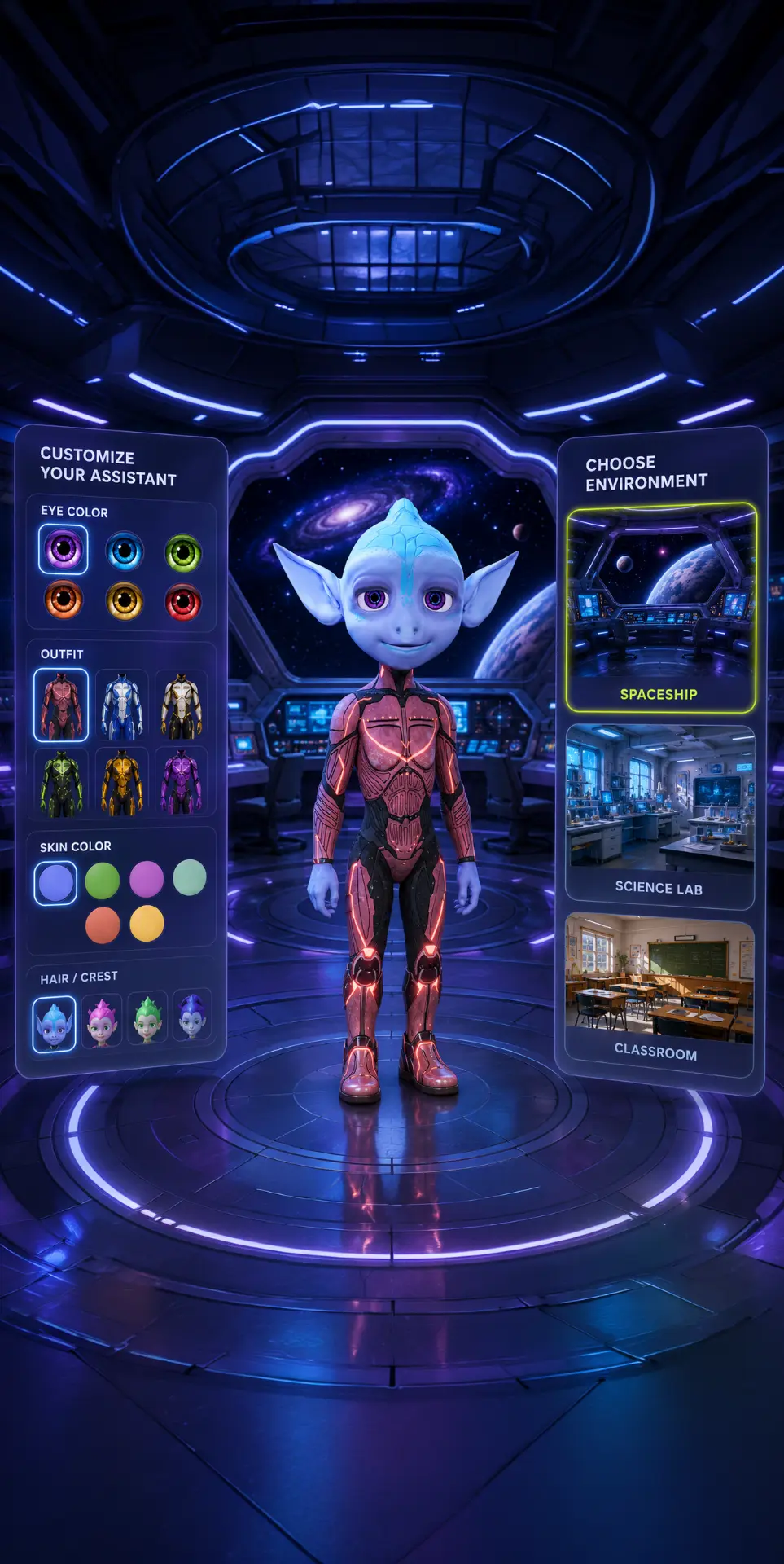
Character Engagement
A Teaching Assistant shouldn't just know the subject. Students should want to engage with it. That's why we develop characters with distinct personalities, humor, voices, and ways of interacting, then test and refine them with students in real classrooms.
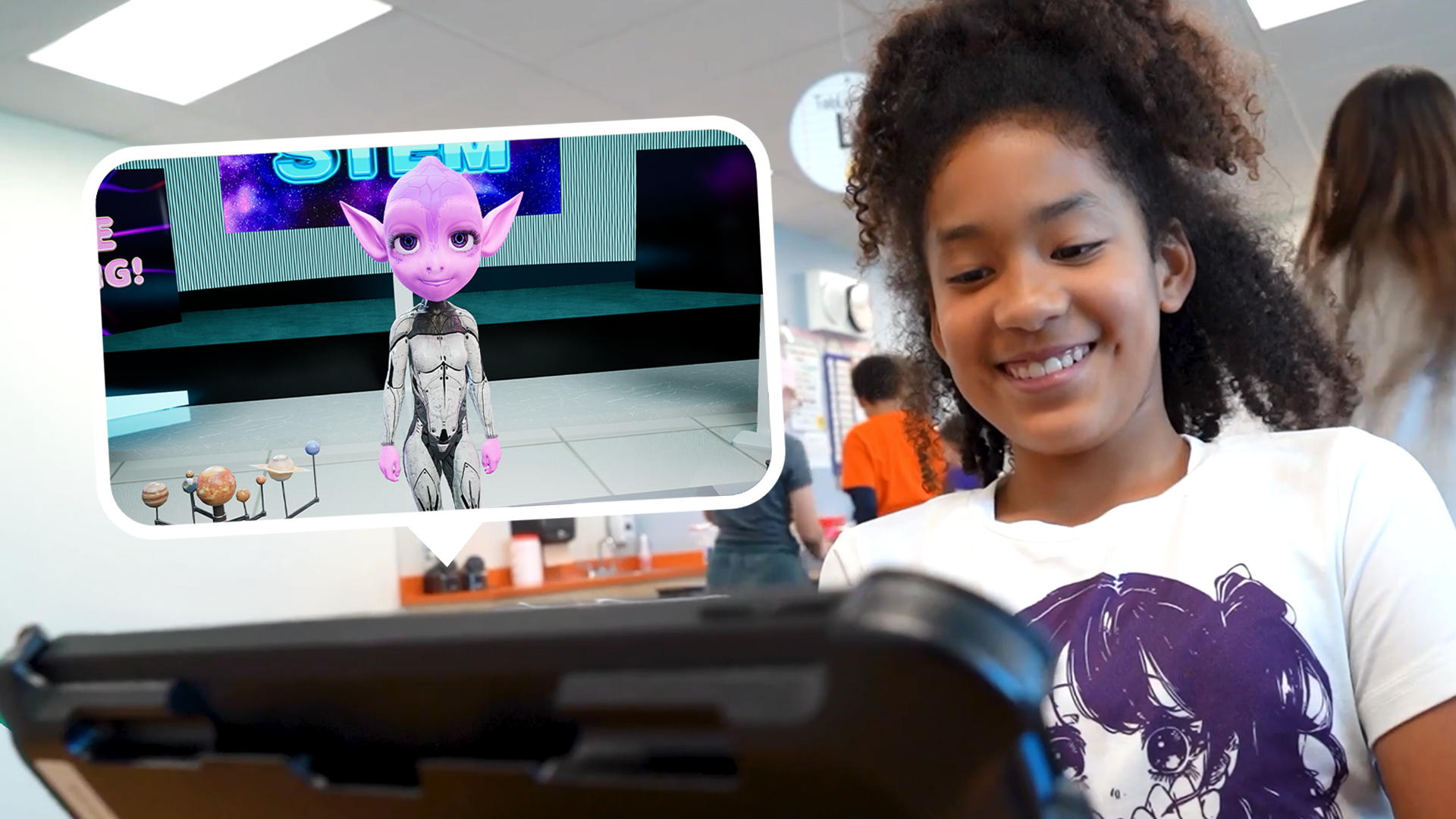
Sometimes that means one character. Sometimes it's a pair. Characters with different personalities can play off each other, ask questions, joke, disagree, and bring another layer of energy to a lesson.
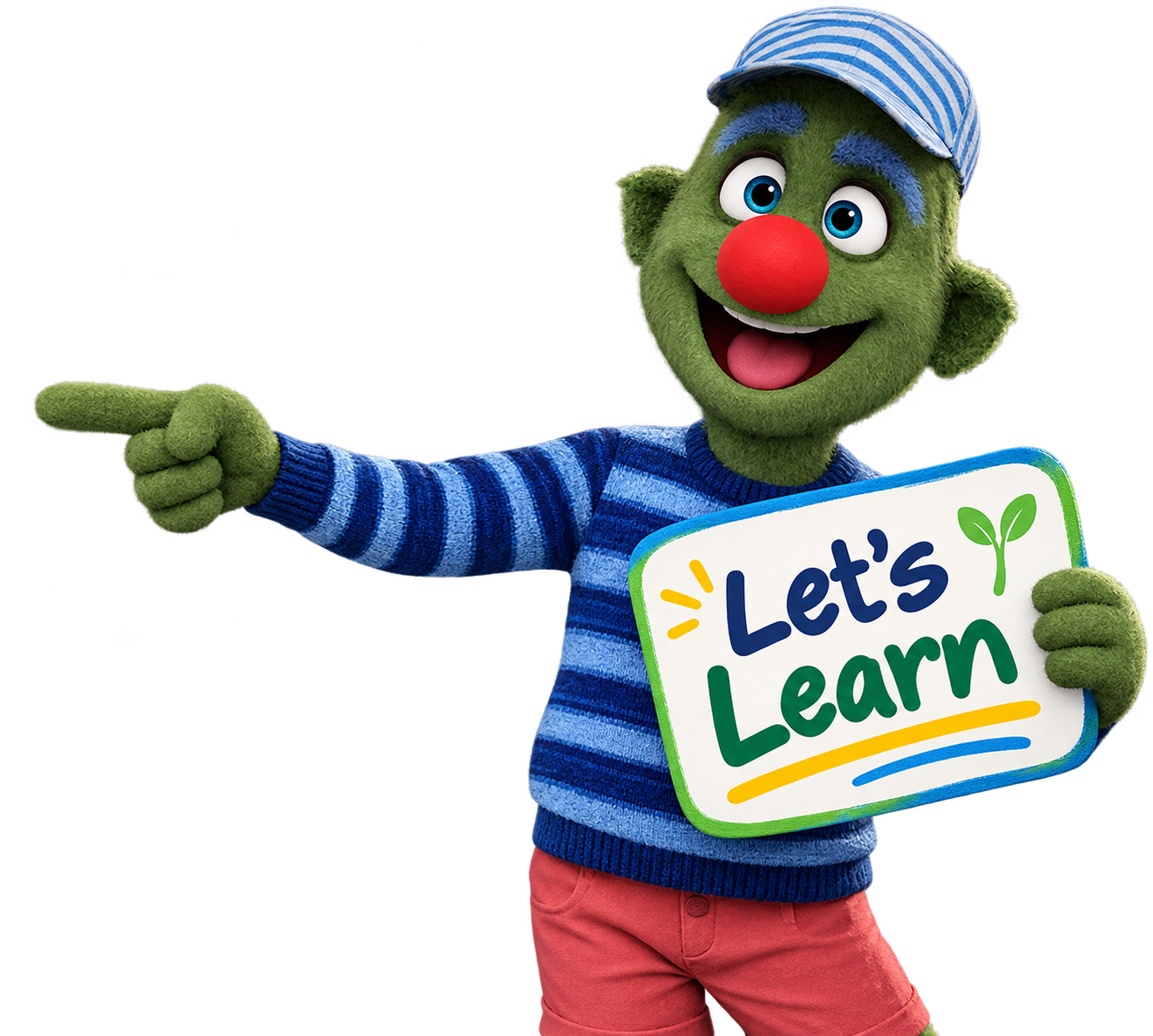
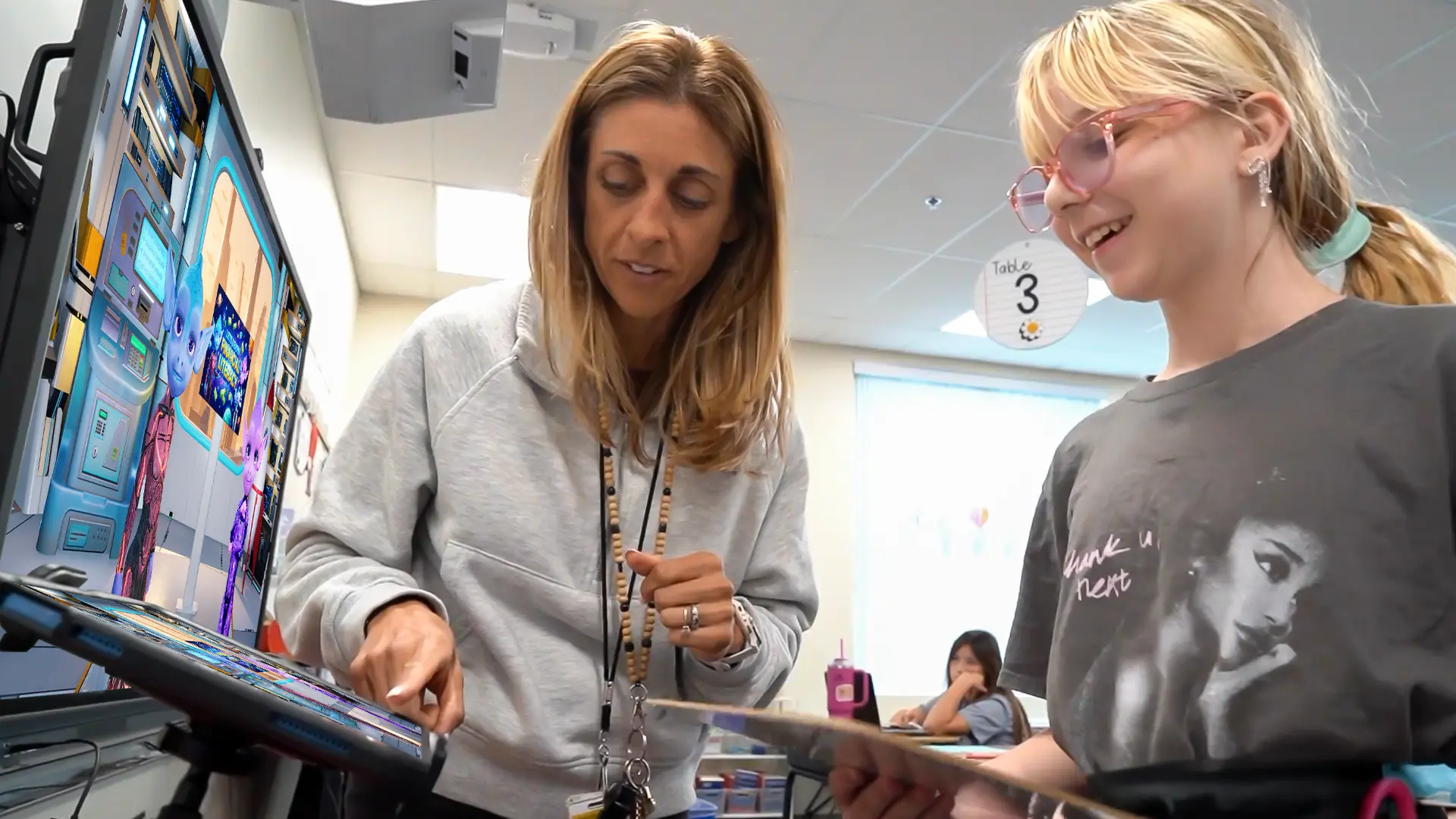
Real Classroom Proof
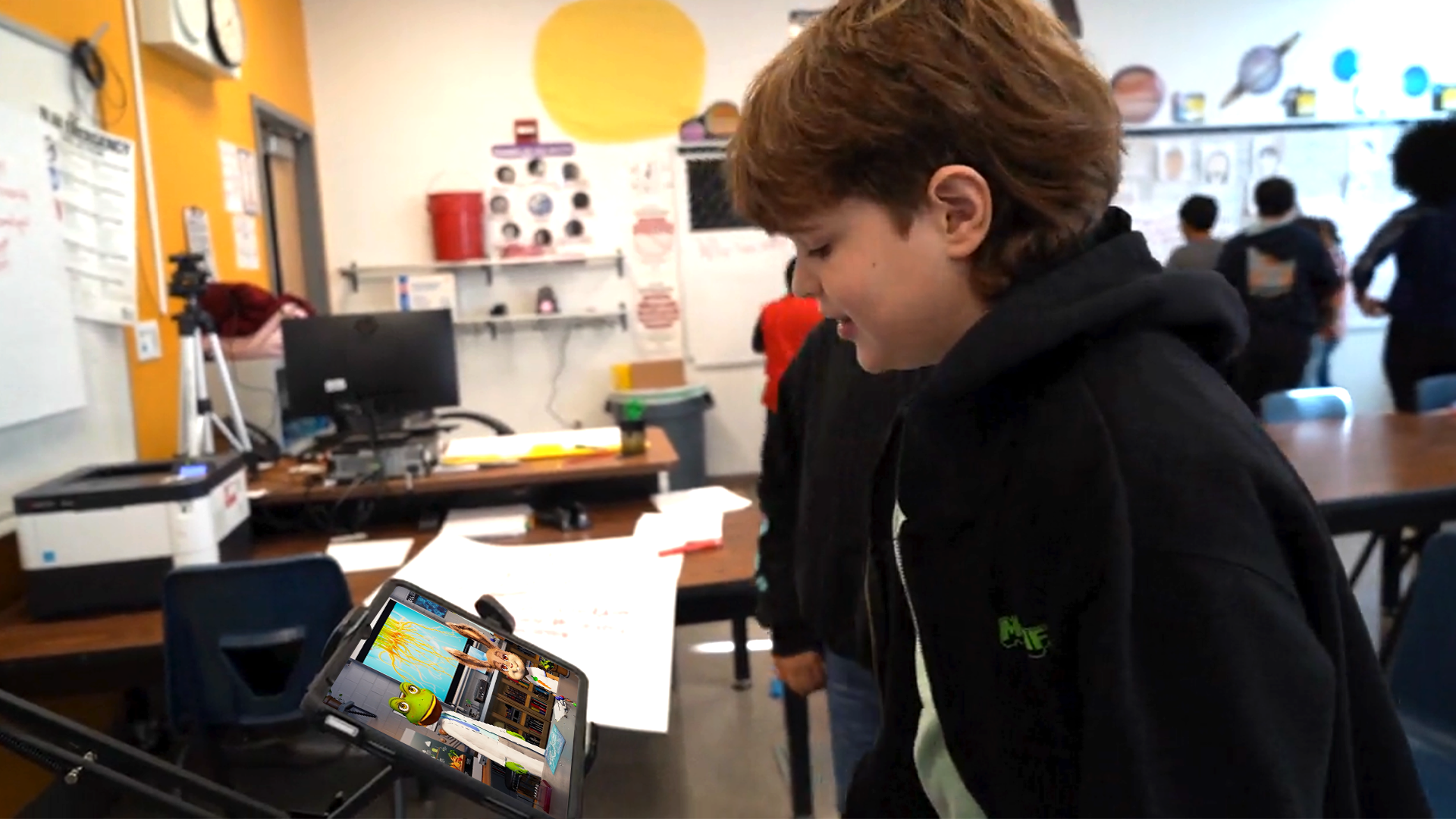
We test and refine our Teaching Assistants with real students and teachers, learning what keeps students engaged and what works in the classroom.
Flexible in Your Classroom
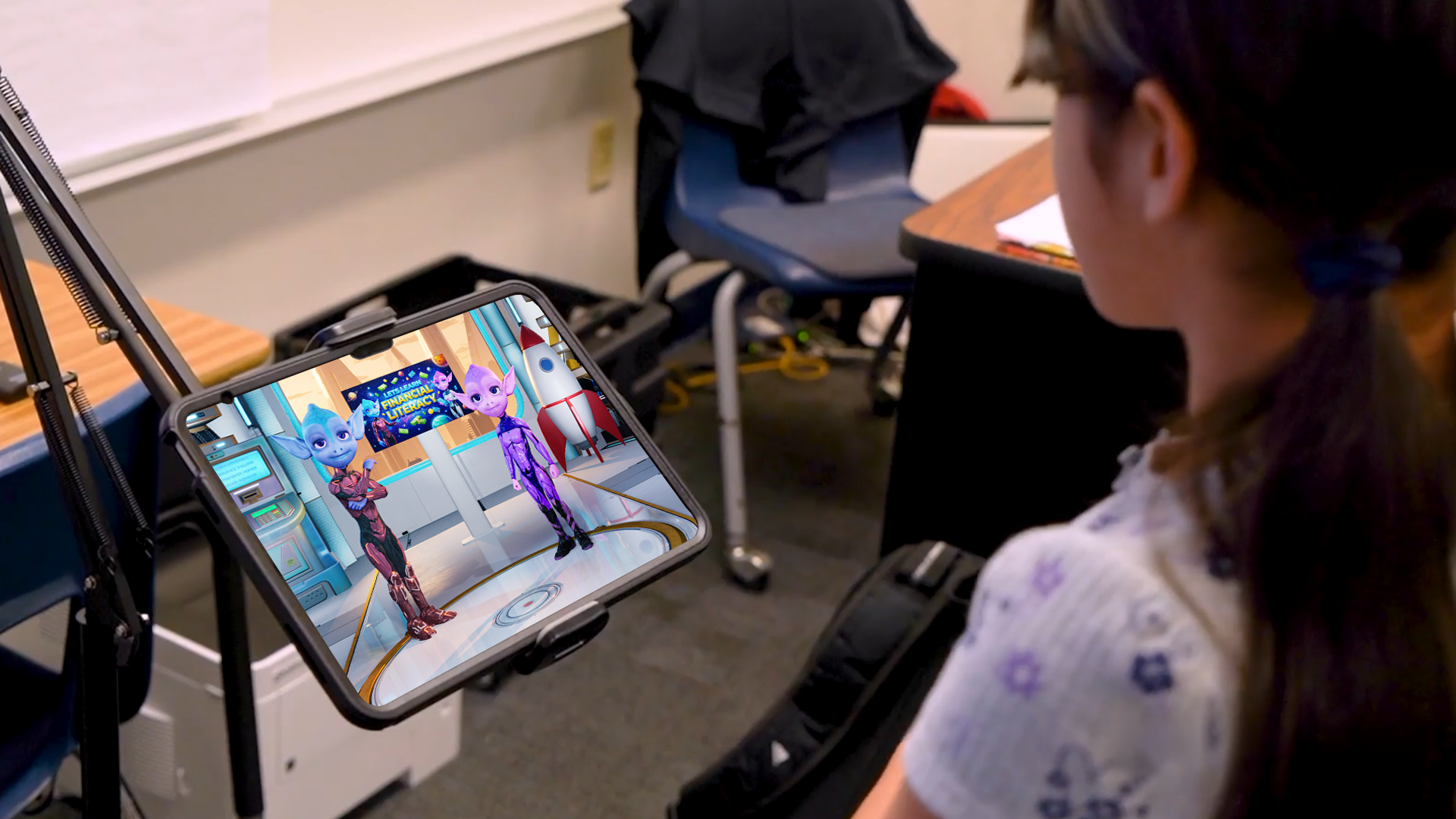
Use Teaching Assistants on your classroom display to engage everyone at once, at learning stations to support several groups at the same time, or one-on-one when a student needs additional help. With multiple classroom devices, you can have multiple Teaching Assistants working with students at the same time.
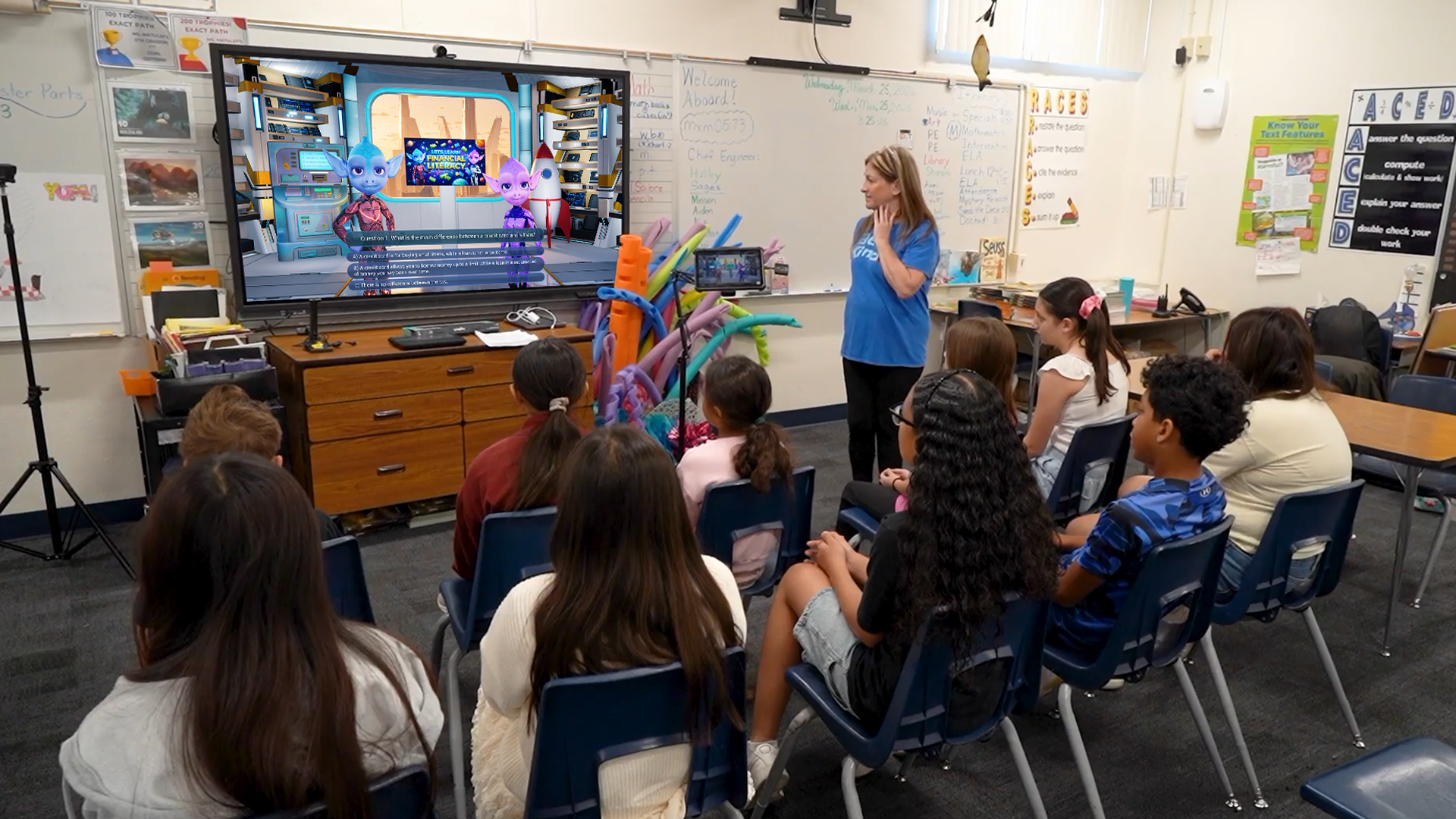


A teacher can only be in one place at a time. Teaching Assistants can give more students opportunities to ask questions, practice, and get support while you focus your attention where it's needed most.
EVIDENCE
Independent research is encouraging. Our classrooms are showing promising results too.
See the ResearchWHAT INDEPENDENT RESEARCH SAYS
A growing body of research has studied virtual characters and pedagogical agents in education. A 2025 meta-analysis of K–12 studies found significant positive effects on both student learning and motivation.
WHAT WE'RE SEEING IN CLASSROOMS
Results from participating students and teachers using Green Our Planet Studios' Teaching Assistants in Clark County School District, NV.
Spring 2026 pilot: approximately 109 students in grades 4–5 across five Clark County School District schools over six weeks. Average assessment scores increased by 2.6 points on an 18-point assessment, approximately 14 percentage points of the total possible score.

Curriculum Control
You provide the curriculum. Green Our Planet Studios makes it interactive.
Teaching Assistants can be built around your curriculum, instructional materials, and learning standards, so they're helping students learn what you actually need to teach. Their knowledge and behavior can be bounded by approved content and rules you define, rather than leaving students to navigate an unrestricted general-purpose AI tool.
The avatar stays within the information and boundaries approved for the experience.

The avatar is grounded in the content you choose for your students.
Grounded in the curriculum, materials, resources, and standards you want students to learn.
Built around trusted sources and content approved for your students.
Define what characters can discuss, how they respond, and where their boundaries should be.
Safety & Responsible Use
Bringing AI into a classroom requires more than engaging technology. It requires careful attention to student safety, privacy, appropriate behavior, and responsible AI. That's why we bring independent safety and ethics review into our development and testing process.
Age-appropriate guardrails and behaviors designed for educational settings.
Safeguards designed to protect student information and sensitive interactions.
Our systems are tested, independently reviewed, and continually refined to support safe, appropriate interactions with students.
Tell us what you teach, what your students need, and where you could use more support. We’ll work with you to create a Teaching Assistant built around your curriculum, your students, and your classroom.
Talk With Us About Your ClassroomAI TEACHING COACHES
Your Teaching Coach can help with curriculum questions, subject knowledge, lesson planning, activities, assessments, and classroom resources.
Just say what you need.
You steer the conversation.

Teacher: I'm teaching ecosystems tomorrow.I need a 30-minute lesson for 5thgrade students.
Teaching Assistant: Absolutely! Want me to includea hands-on activity?
Teacher: Yes, and make it work with thematerials we already have.
Teaching Assistant: Here's what I created for you.
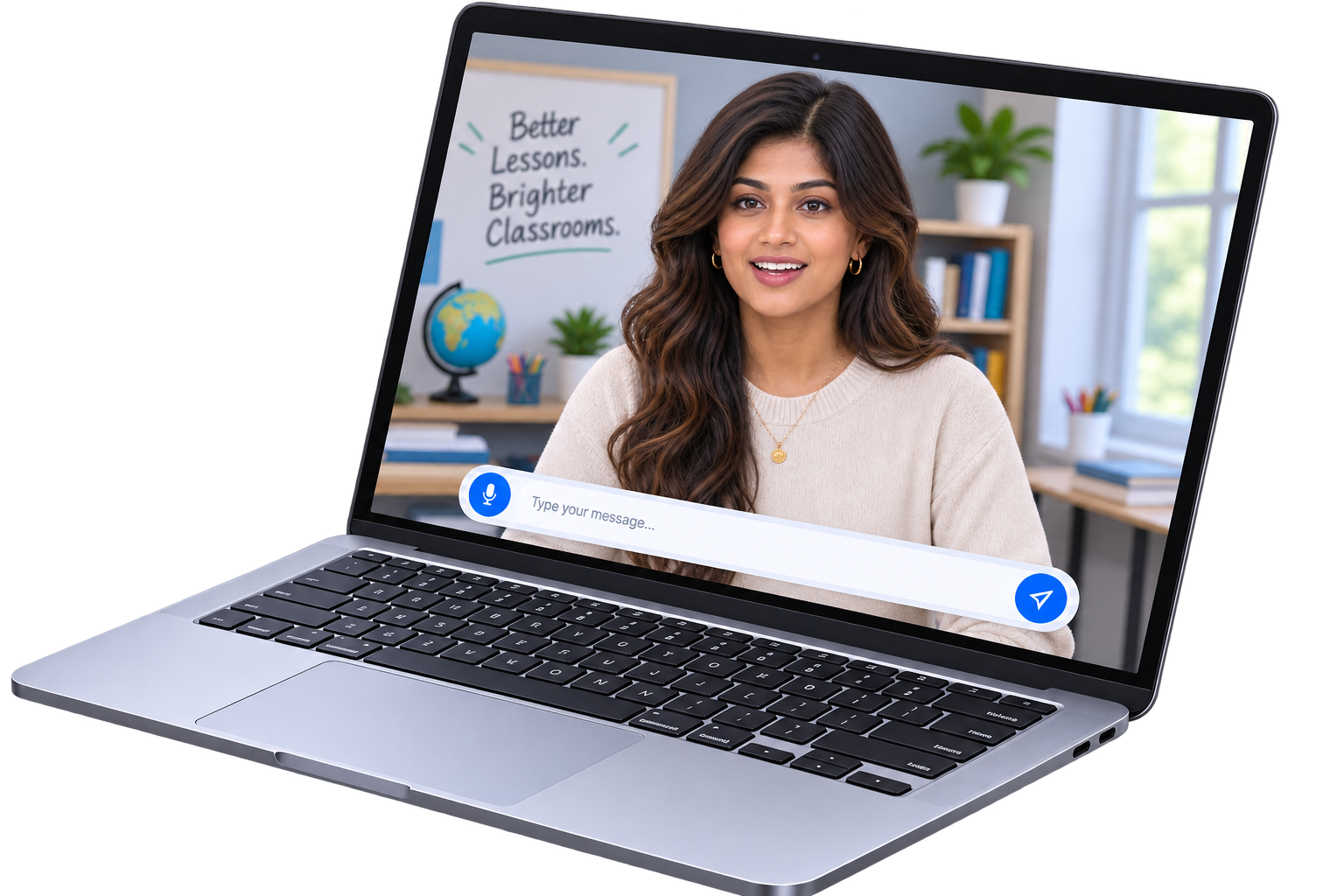
Ask your Teaching Coach to help create a lesson plan, activity, worksheet, discussion questions, assessment, or other classroom resource. Start with a useful draft, then adapt it for your students and the way you teach.
You review and adapt everything for your students.


Lesson Draft
Grade 12 • 30 Minutes
Lesson Summary
Students investigate ecosystem dynamics, energy flow, and human impacts through field data analysis and a hands-on modeling activity.
Review & Make It Yours
A useful draft inMINUTES
Less Time From Scratch
A faster starting point
More Mental Space
Focus on your students
You Stay In Control
Review, adjust, and make it your own
Stronger Starts
Begin with something to build on
Teaching something unfamiliar? Ask your Teaching Coach to explain a concept, answer questions, walk you through the curriculum, or help you think about how to teach it. The Coach can be grounded in the same curriculum, standards, and resources you're using with your students.
You bring the expertise. Your Teaching Coach helps you prepare for what's next.
ASK ABOUT WHAT YOU'RE TEACHINGAsk about anything you are about to teachYour Teaching Coach can be grounded in your curriculum, standards, lesson materials, and other approved resources. So when you ask a question or need help planning a lesson, the answers can be based on what you're actually expected to teach.
Can be grounded in

Your AI Teaching Coach
Support in your context
Your materials stay the foundation. Your Teaching Coach helps you put them to work.
Getting Started
Every school is different. We start with a conversation about your students, teachers, curriculum, and what you'd like to accomplish. Then we can show you what that could look like using your own curriculum.
Step 1
We learn about your students, teachers, curriculum, and goals.
Step 2
We can create a demonstration using one of your lessons, so you can experience what a Teaching Assistant or Teaching Coach could be like for your school.
Step 3
Together, we decide what will work best for your students, teachers, and school, and tailor the Teaching Assistant or Teaching Coach to your needs.
Step 4
We work with your team to set everything up and make sure teachers are ready to use it.
See a Teaching Assistant in action through a live online demonstration or an in-person demonstration in Nevada.
Request a Live Demo